Description
Overview:
This module introduces students to Adobe Photoshop through a series of scaffolded lessons and creative projects. It builds foundational skills in raster-based image editing and then applies them across diverse areas such as restoration, compositing, graphic design, digital painting, and animation.
Learning Focus:
– Understand Photoshop’s interface, tools, and file workflows
– Practice using selection, masking, adjustment layers, and blending tools
– Apply design principles while creating posters, cards, and packages
– Develop digital painting techniques using brushes, shading, and symmetry
– Explore basic and advanced animation techniques using Photoshop’s timeline
– Reflect on creative decisions through pre-production planning, rubrics, and critiques
Key Components:
– Introduction to Photoshop & Practice — Tools sheet assignment, Elements & Principles Poster, selection tool practices, and radial design projects
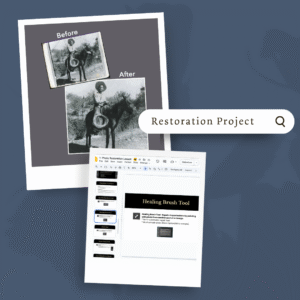
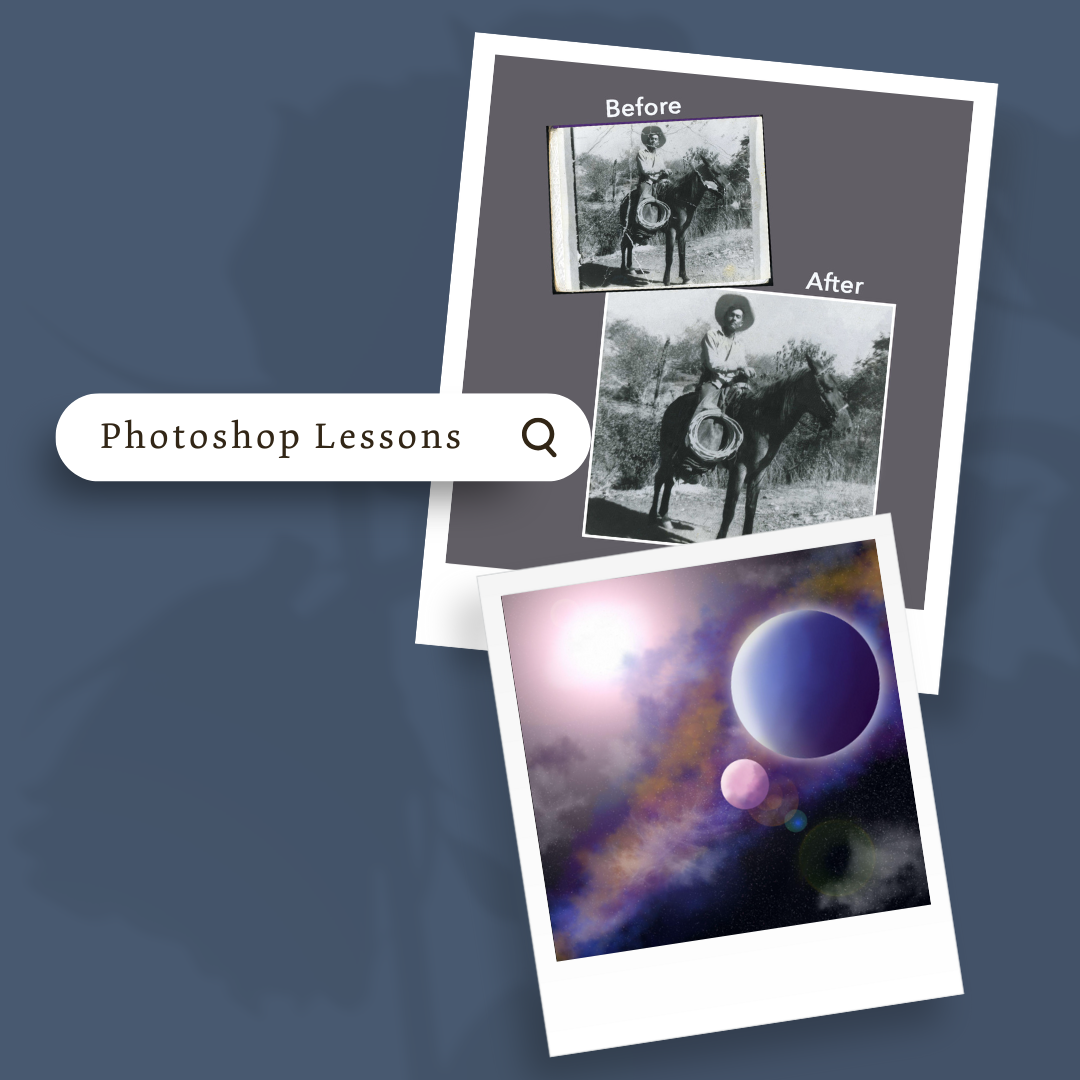
– Restoration Unit — Lessons, practice images, project directions, and rubric for repairing damaged photos
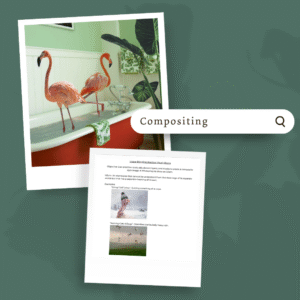
– Compositing Unit — Blending images, mask practice, idiom-based composites, and a Wiley Portrait project
– Graphic Design Unit — Typography lesson, poster, card, and package design projects with pre-productions and rubrics
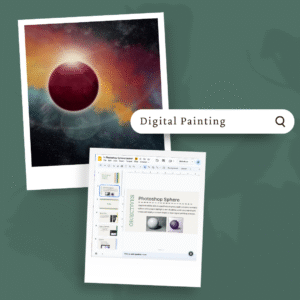
– Digital Painting Unit — Mandala, sphere, orange, and space scene practices plus a Doodle for Google project
– Animation Unit — Original character and perspective background projects, 12 Principles of Animation, GIF and video timeline animation projects
Next Steps:
Move on to Module 4: Supplemental Materials, which offers enrichment lessons on art history, careers, final assessments, and building online portfolios to showcase students’ Illustrator and Photoshop work.