
Description
Overview:
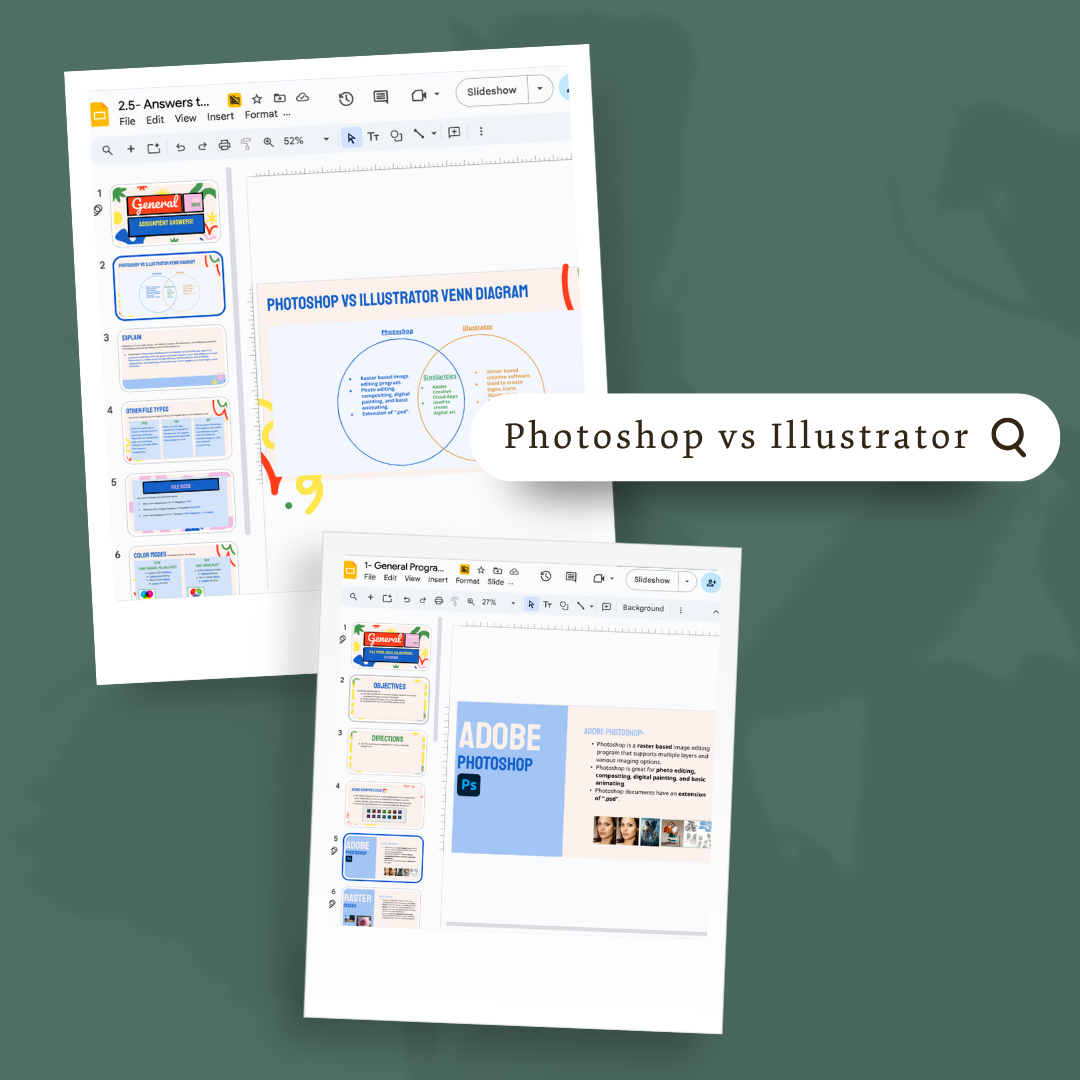
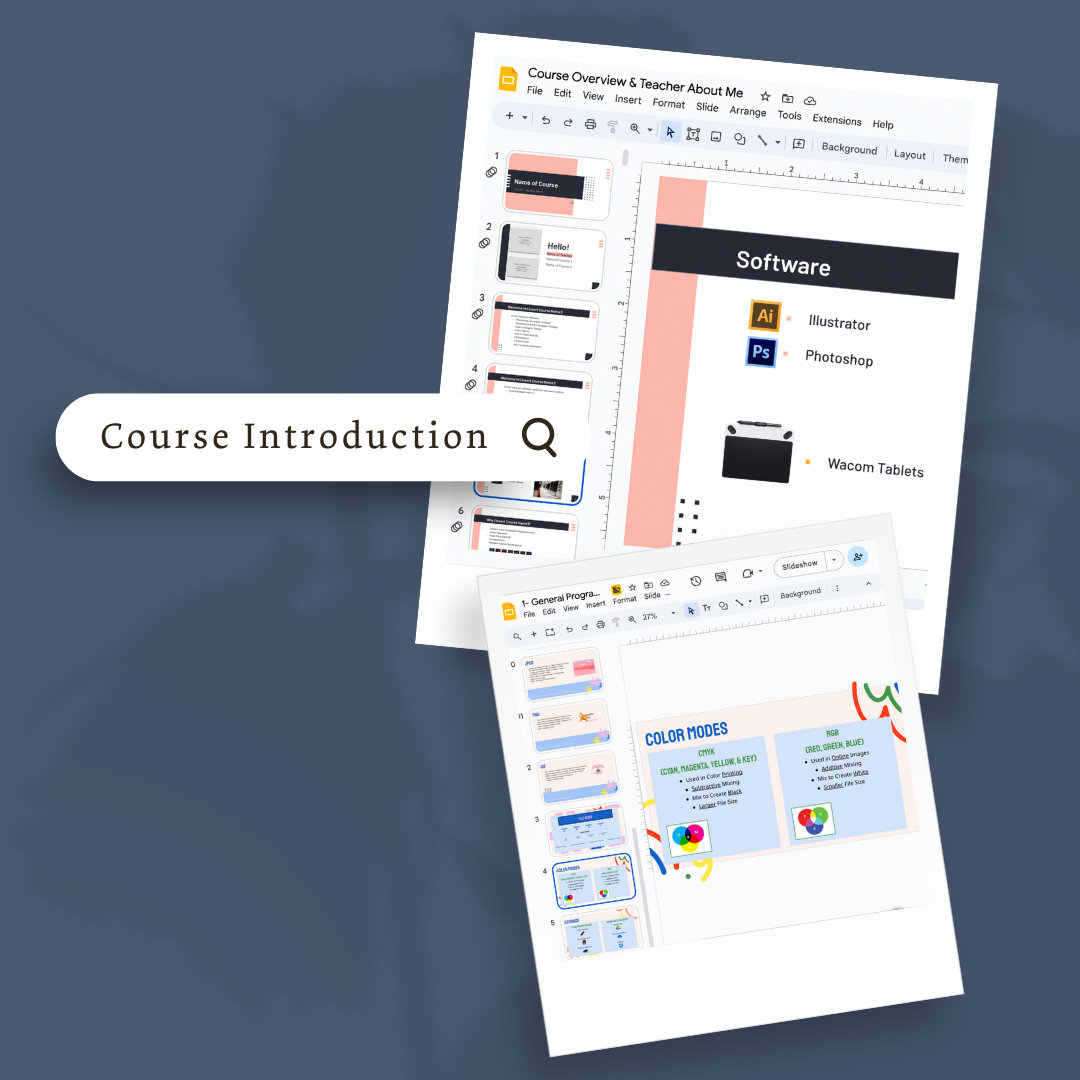
This module introduces students to common file types, file sizes, and storage considerations, as well as the differences between Photoshop and Illustrator. Students gain foundational knowledge to help them choose the correct tools and formats for digital design projects.
Learning Focus:
– Identifying and understanding different file types and their uses
– Recognizing how file sizes impact storage and workflow
– Comparing Photoshop and Illustrator functions and strengths
– Applying knowledge through a Venn diagram and reflection activity
Key Components:
– General File Types, File Sizes, and Storage lesson (Google Slides)
– Photoshop vs. Illustrator lesson (Google Slides)
– Photoshop vs. Illustrator Assignment with Venn diagram activity
– Guided explanation of similarities and differences between the two programs
Next Steps:
After this module, students move on to Module 2 – Adobe Illustrator Lessons, where they begin hands-on projects including patterns, low poly art, landscapes, and logo design.
Reviews
There are no reviews yet.