
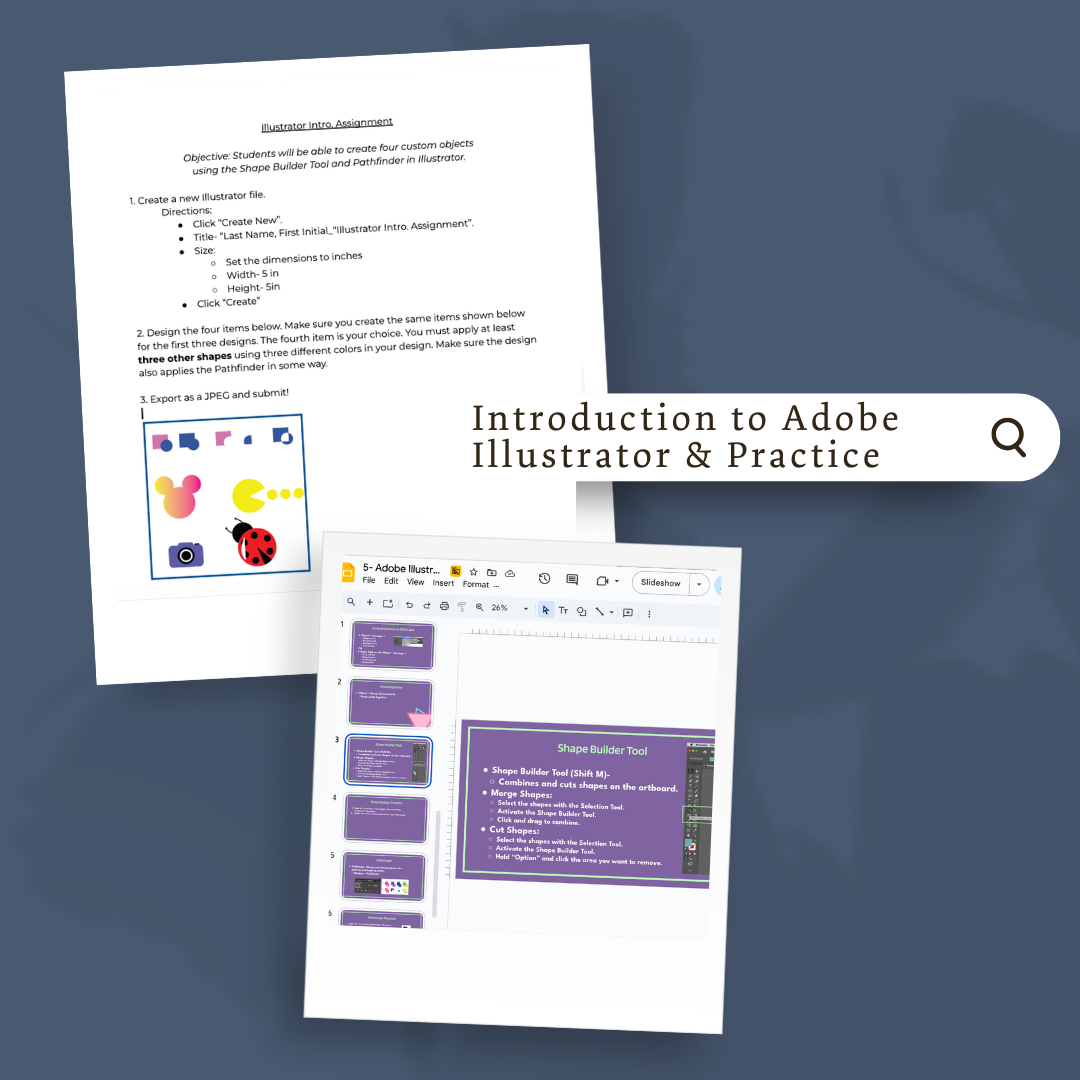
Description
Overview:
This module introduces students to the fundamentals of Adobe Illustrator through guided lessons and practice assignments. It emphasizes building comfort with Illustrator’s interface and essential tools before moving on to creative projects.
Learning Focus:
– Understand the Illustrator workspace and tool functions
– Practice creating and editing vector shapes using basic tools
– Develop foundational skills with the Pen Tool and Shape Builder
– Explore typography tools and creative text design techniques
Key Components:
– Introductory Lessons — Slides and assignment questions on the Illustrator interface and workspace
– Tool Practice Activities — Labeling tools, using Shape, Fill, Stroke, and Pathfinder features to create custom objects
– Pen Tool Practice — Guided exercises and templates to build skill in drawing paths and shapes
– Type Tool Practice — Lessons on the Type Tool, Vertical Type Tool, and Type on a Path Tool, including font selection and styling
Next Steps:
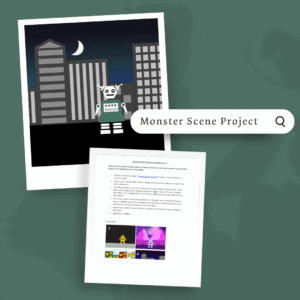
Advance to Module 2.2: Monster Scene Project, where students will apply these foundational Illustrator skills to create their first original artwork using custom shapes.

Reviews
There are no reviews yet.