
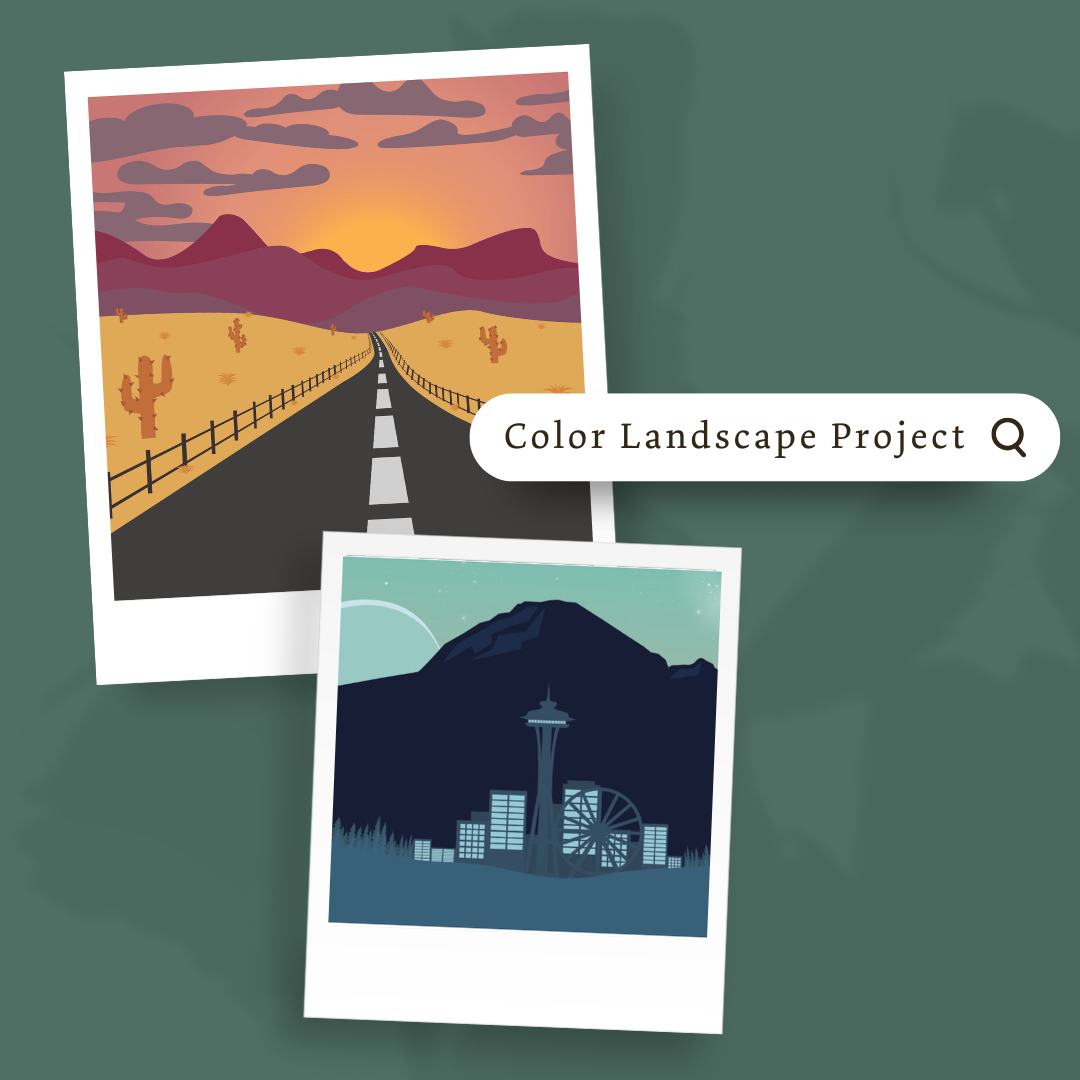
Description
Overview:
This module teaches students how to design a colorful landscape in Adobe Illustrator using vector tools. It emphasizes color theory, spatial depth, and composition while reinforcing core Illustrator skills.
Learning Focus:
– Apply the Pen Tool, Shape Builder Tool, and Pathfinder to build vector landscapes
– Explore color theory and create cohesive color combinations
– Use the element of space to create depth and perspective in artwork
– Review and strengthen Pen Tool skills through targeted practice
Key Components:
– Color Landscape Project Slides — Introduce the project and guide students through creating their landscape
– Color Lesson & Notes Assignment — Teach color theory and have students document color concepts
– Pen Tool Review Assignment — Refresh skills needed to accurately create shapes and paths
– Color Landscape Rubric & Pre-Production Questions — Set expectations and help students plan their designs
Next Steps:
Move on to Module 2.5: Logo Design Project, where students will shift from landscapes to branding-focused design and develop their own custom logos in Illustrator.

Reviews
There are no reviews yet.