Description
Overview:
This module introduces students to Adobe Photoshop through foundational practice assignments and guided projects. It builds technical skills with Photoshop tools and encourages creative application through poster, selection, and composition exercises.
Learning Focus:
– Navigate the Photoshop interface and use core tools effectively
– Understand and apply the Elements of Art and Principles of Design
– Practice selection tools for isolating, transforming, and combining images
– Develop foundational design skills through guided creative projects
Key Components:
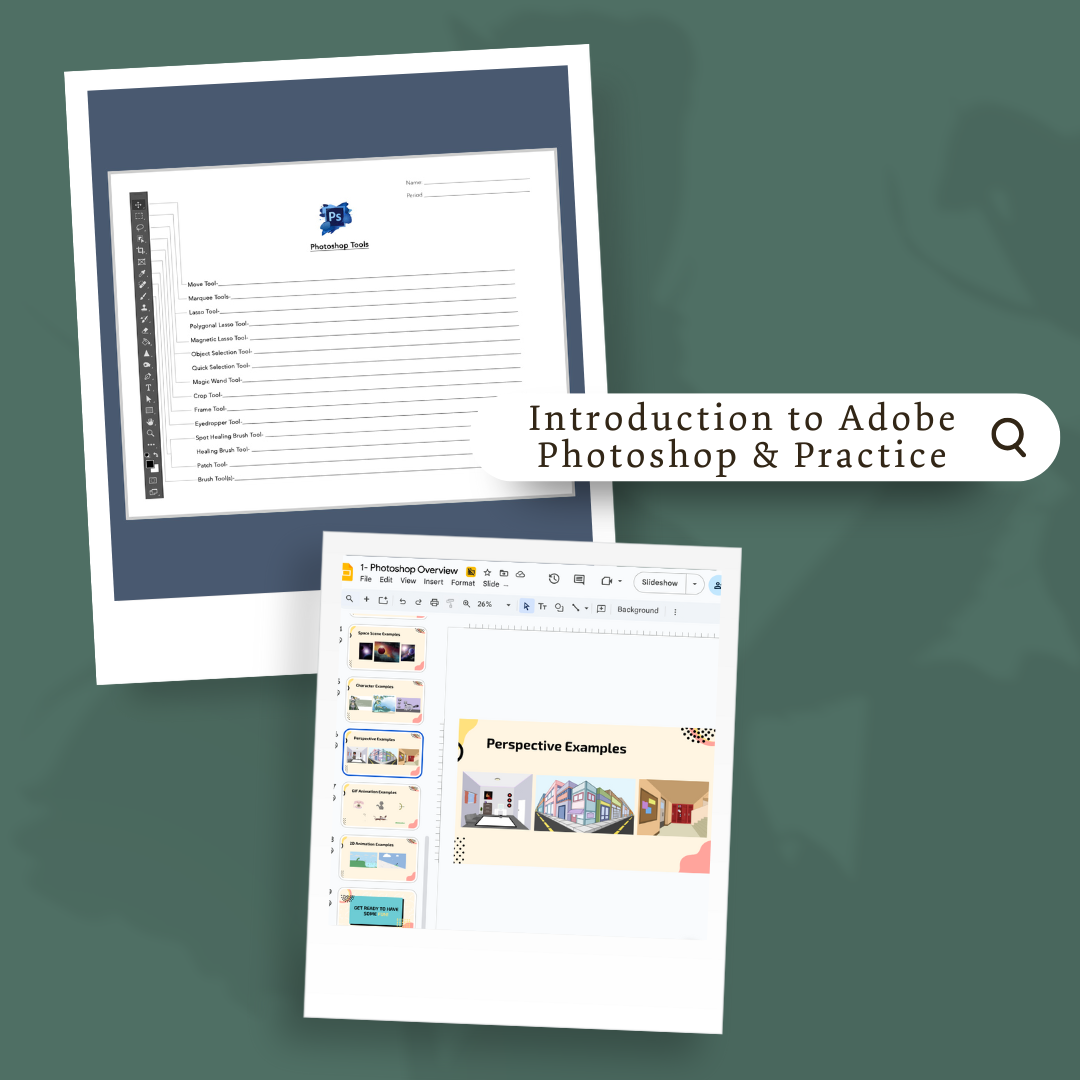
– Photoshop Tools Introduction & Tools Sheet — Teaches workspace setup, layers, history panel, and tool functions
– Elements & Principles Poster Project — Uses type, cropping, and backgrounds to create a design-based poster
– Selection Tool Practice & Radial Design Project — Builds skills with Magic Wand, Quick Selection, and Object Selection tools
– Color Wheel and From My View Assignments — Teach paste-into and merging techniques to build layered compositions
Next Steps:
Advance to Module 3.2: Restoration, where students will learn how to repair damaged photographs and apply their foundational Photoshop skills in a new context.