Description
Overview:
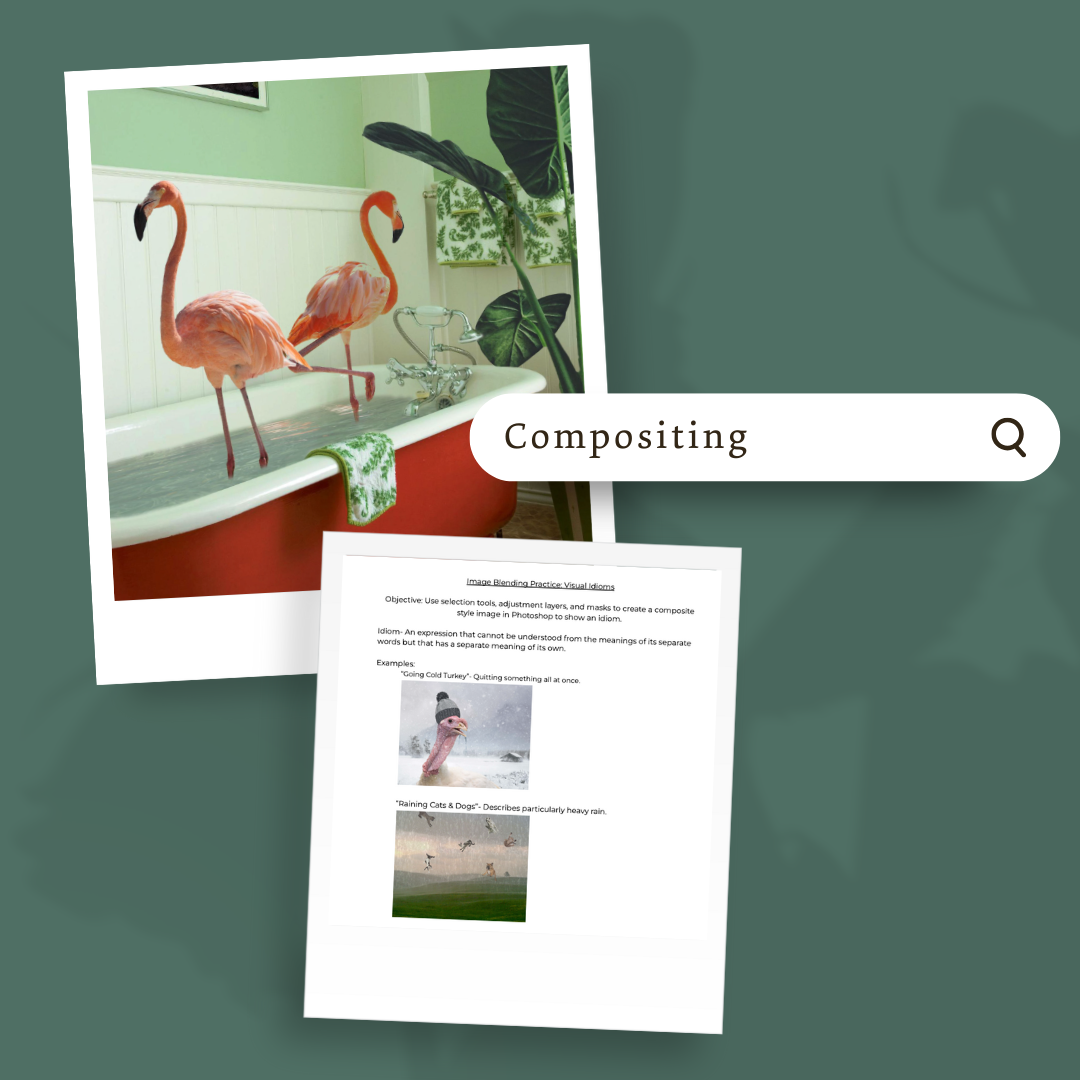
This module teaches students how to create composite images in Adobe Photoshop by blending and combining multiple visuals. It develops technical skills with masks, adjustment layers, and blending modes while encouraging creativity through conceptual image-making.
Learning Focus:
– Use adjustment layers, masks, and blending modes to combine images
– Practice masking techniques to seamlessly merge visual elements
– Apply selection tools, filters, and adjustments in creative compositions
– Research and replicate artistic styles while developing original ideas
Key Components:
– Blending Images Lesson & Practice — Introduces blending tools, modes, and adjustments
– Mask Practice & Visual Idioms Assignment — Builds masking skills through guided practice and idiom-based composites
– Composite Project — Full project with lesson slides, written directions, and rubric for creating two composites
– Wiley Portrait Project — Research and create a portrait inspired by Kehinde Wiley’s style with accompanying rubric
Next Steps:
Continue to Module 3.4: Graphic Design, where students will apply design principles to create posters, cards, and package designs in Photoshop.