Description
Overview:
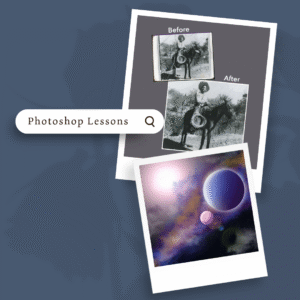
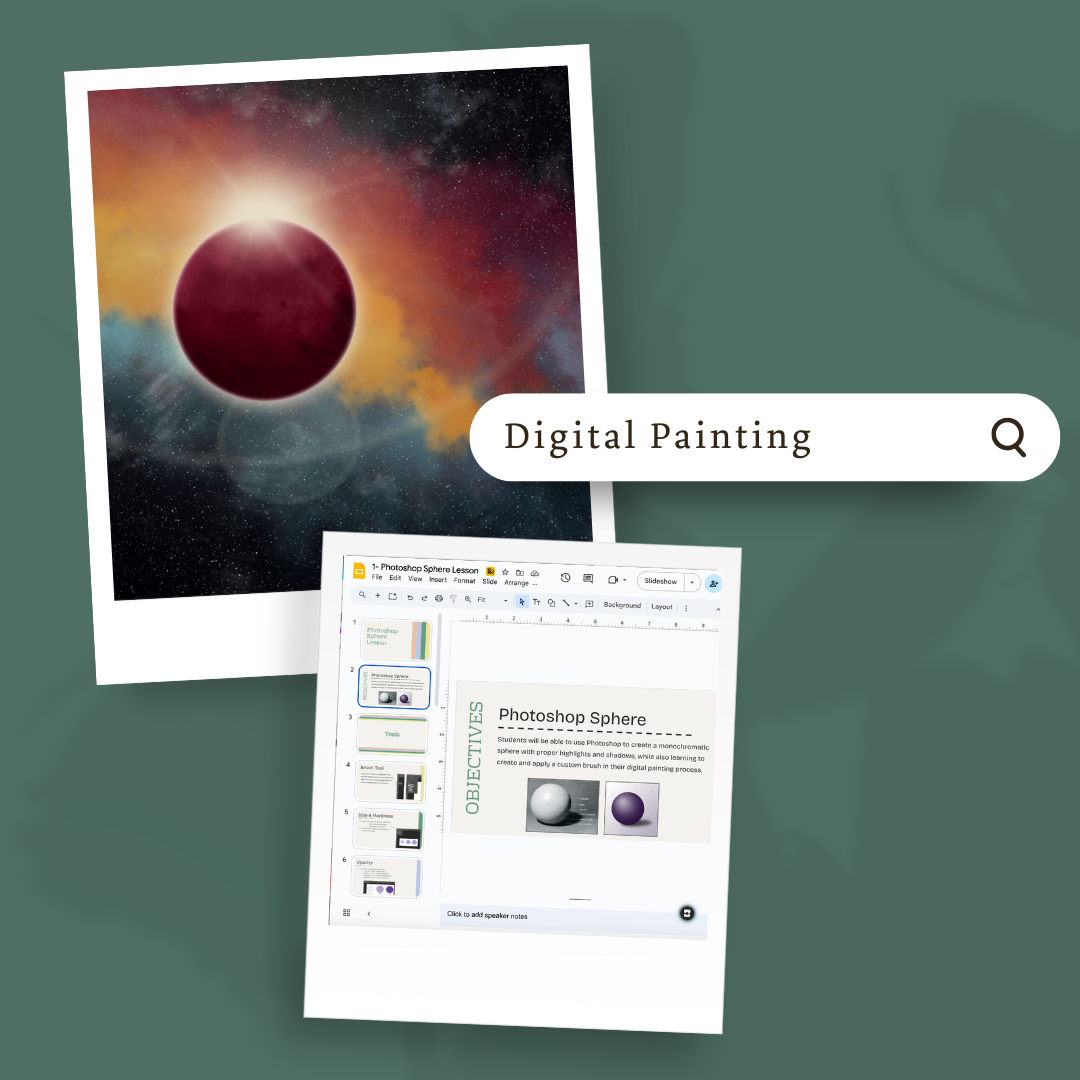
This module introduces students to digital painting techniques in Adobe Photoshop. It guides them through foundational brush skills, shading and lighting, and creative illustration projects that build confidence in painting digitally.
Learning Focus:
– Learn digital painting fundamentals and brush tool techniques
– Practice shading, highlights, and creating custom brushes
– Apply symmetry and layering to build complex compositions
– Develop creative concepts for an original Doodle for Google design
Key Components:
– Introduction to Digital Painting Lesson — Covers digital painting basics, workflow steps, and brush tool use
– Mandala, Sphere, Orange, and Space Scene Practices — Step-by-step exercises to build skills in symmetry, shading, and texture
– Custom Brushes & Resource Files — Includes specialized brush downloads and installation guidance
– Doodle for Google Project — Concept development with bubble graph, template sketches, step-by-step directions, and rubric
Next Steps:
Continue to Module 3.6: Animation, where students will learn animation principles and create frame-based and timeline animations using Photoshop.