
Description
Overview:
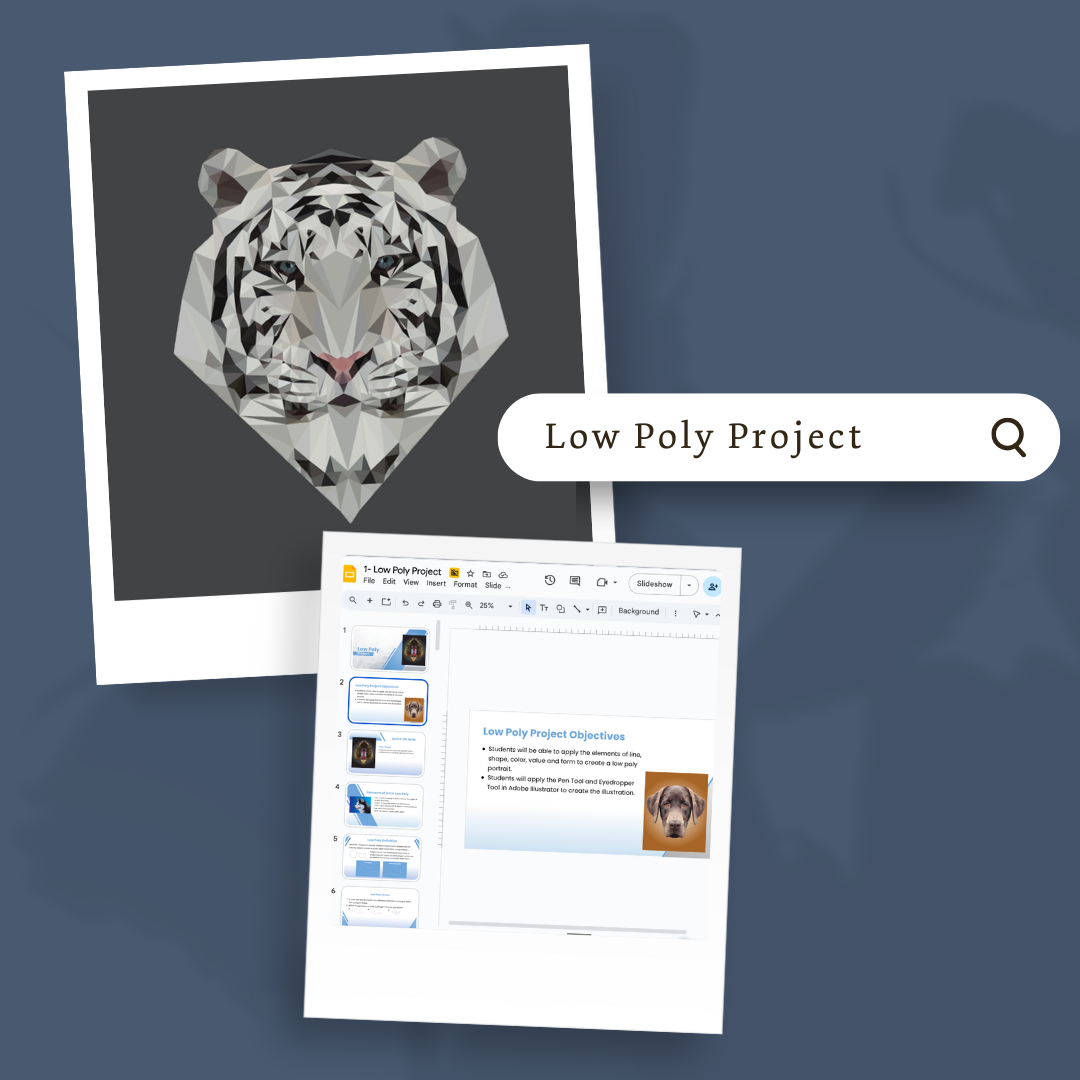
This module teaches students how to create a low poly portrait in Adobe Illustrator using geometric shapes. It focuses on building precision and design skills through structured steps, from planning and practice to final production and reflection.
Learning Focus:
– Develop proficiency with the Pen Tool and Eyedropper Tool
– Apply elements of line, shape, color, value, and form in digital artwork
– Practice detailed planning, image selection, and design setup
– Reflect on artistic choices and growth through progress checks and self-evaluation
Key Components:
– Low Poly Project Slides & Directions — Introduce project goals, tools, and setup steps
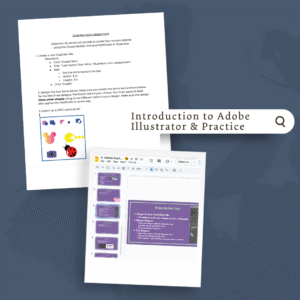
– Low Poly Practice Assignment — Guided activity using a provided image to build technique
– Pre-Production Document — Plan and select images that meet project requirements
– Rubric, Progress Check, and Self-Evaluation — Tools to assess understanding, track progress, and reflect on outcomes
Next Steps:
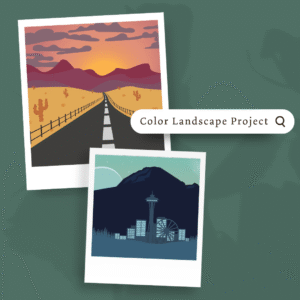
Advance to Module 2.4: Color Landscape Project, where students will apply their Illustrator skills to design a landscape while exploring color theory and spatial depth.
Reviews
There are no reviews yet.