Description
Overview
This set of lessons introduces students to Adobe Illustrator through a structured sequence of practice activities and creative projects. It builds foundational skills in Illustrator’s tools and techniques before progressing to larger design projects that apply key visual design principles.
Learning Focus
– Develop familiarity with the Adobe Illustrator interface, tools, and workspace.
– Practice core vector design techniques using shape, fill/stroke, and path editing tools.
– Build proficiency with the Pen Tool, Eyedropper Tool, and Type Tool.
– Apply principles of color, composition, and visual hierarchy in original designs.
– Cultivate creative thinking and problem-solving through multi-step design projects.
– Reflect on design work through progress checks, self-evaluations, and rubric-based assessments.
Key Components
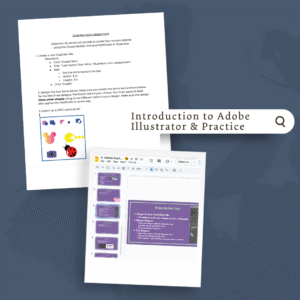
Module 2.1: Introduction & Practice
– Illustrator Intro slides and assignment questions
– Tools labeling practice, pattern practice assignment
– Tools & Techniques slides and custom shape creation activity
– Pen Tool intro/practice and Text Form Pen Tool word illustration
– Type Tool intro/practice and Adobe Fonts exploration
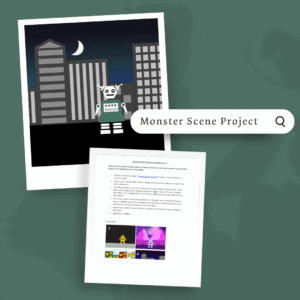
Module 2.2: Monster Scene Project
– Use Shape Tools, Shape Builder, and Pathfinder to build custom monsters
– Includes Robot Shapes practice, template, and project rubric
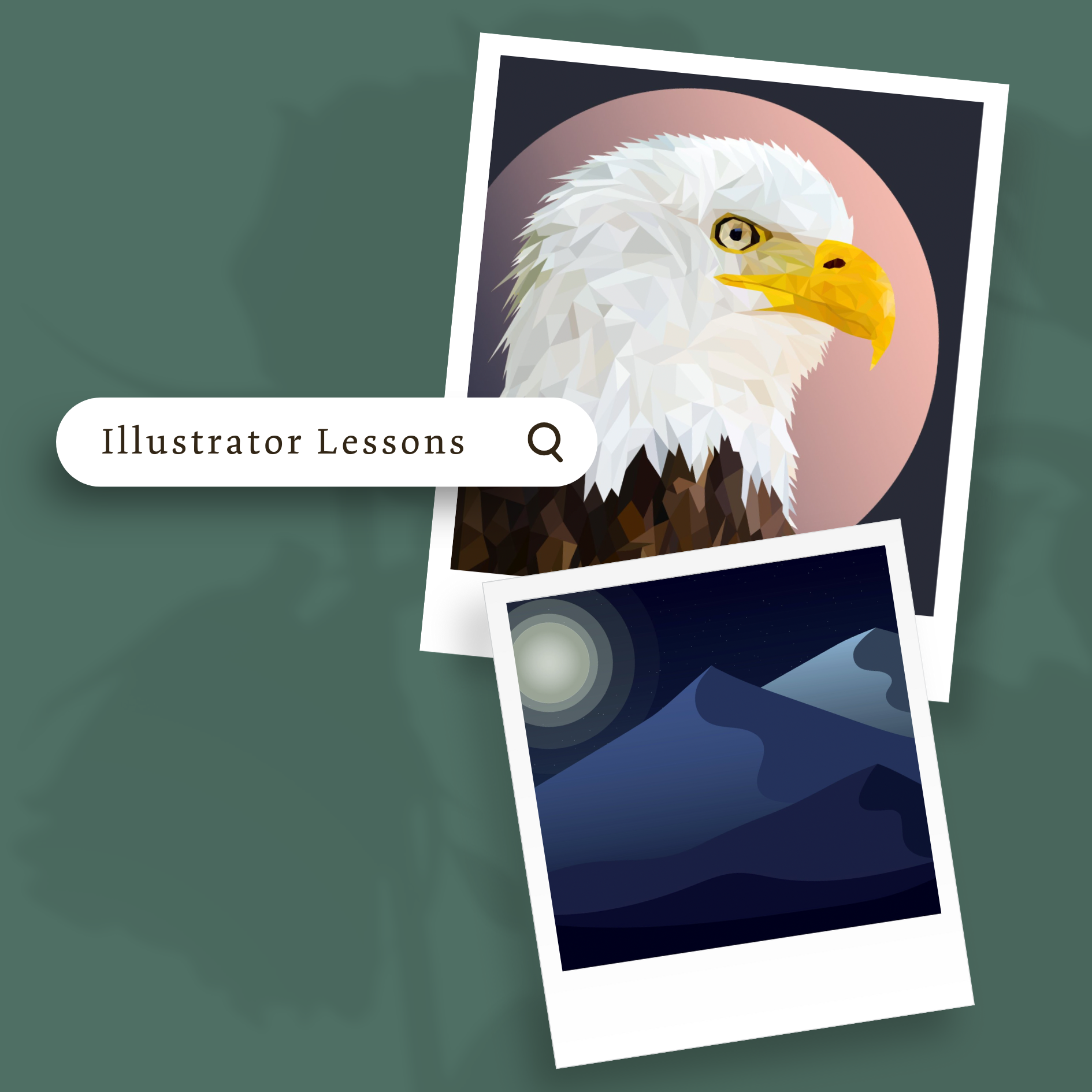
Module 2.3: Low Poly Project
– Pen Tool and Eyedropper Tool for geometric portrait design
– Pre-production image selection, practice assignment, rubric, progress checks, and self-evaluation
Module 2.4: Color Landscape Project
– Create landscapes using Pen Tool, Shape Builder, and Pathfinder
– Apply color theory and space/depth principles
– Includes color lesson, color notes assignment, rubric, and pre-production questions
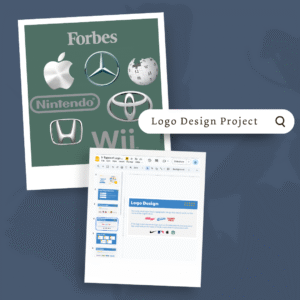
Module 2.5: Logo Design Project
– Two-part project: Logo Research & Redesign + Personal Logo Design
– Includes Types of Logos lesson/notes, CFU form, project directions, rubrics, student example, and pre-production planning
Next Steps:
Move forward to Module 3: Photoshop Lessons within the Empowered Instructors curriculum. These will build on students’ Illustrator skills while introducing them to raster-based design tools and workflows.