
Description
Overview:
Module 1.1 provides teachers with essential back-to-school materials to introduce the course, establish classroom expectations, and build early connections with students and parents. It includes ready-to-use documents, presentations, and assignments to set the tone for the year and prepare students for success.
Learning Focus:
– Build relationships and establish a classroom community.
– Clearly communicate course expectations to students and parents.
– Develop student independence in accessing and managing digital tools.
– Introduce foundational concepts such as:
– Google Suite basics
– Elements of Art & Principles of Design
– File types and comparing Photoshop vs. Illustrator
Key Components:
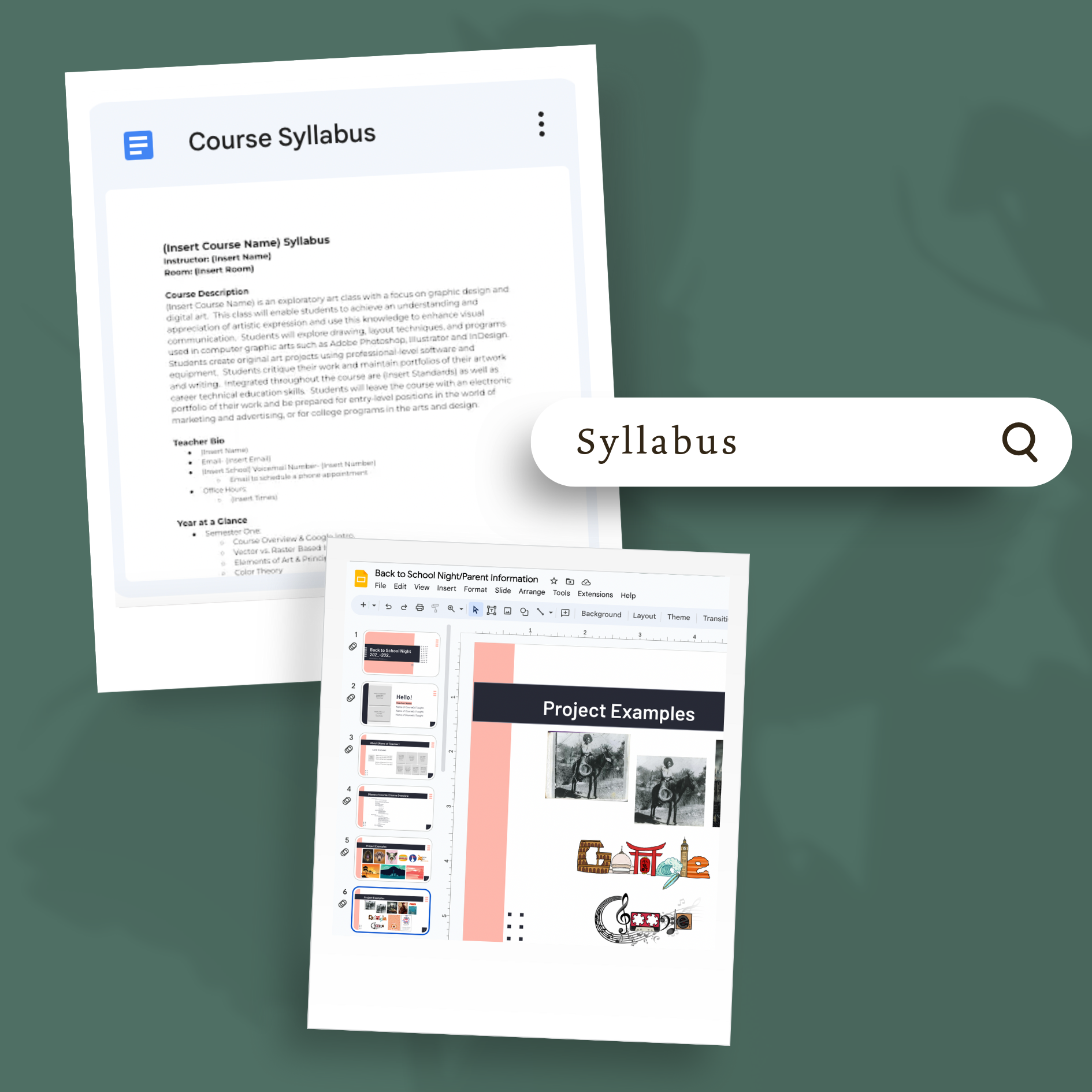
– Course Syllabus (Google Doc): Includes course overview, teacher information, parent signature page, and copyright release.
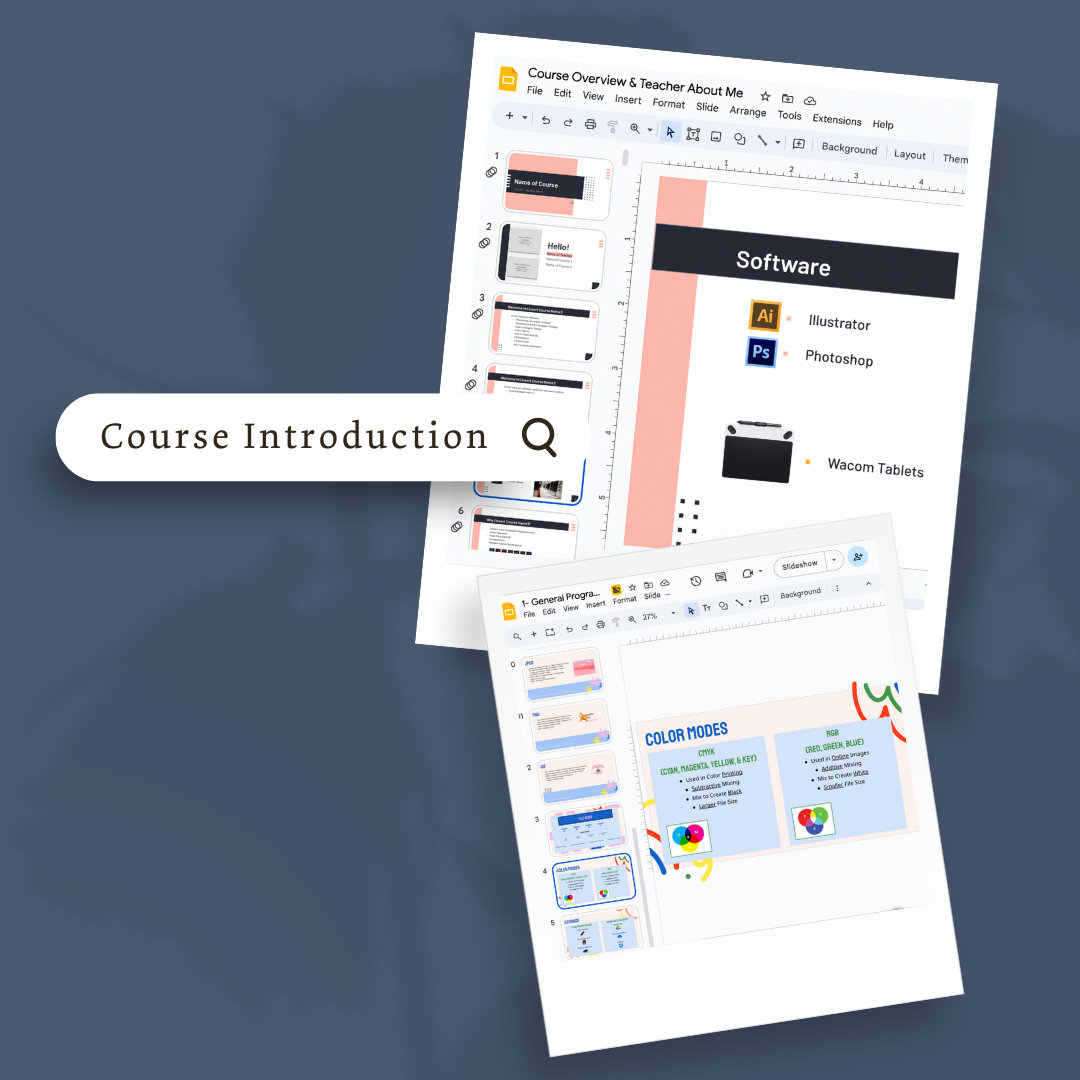
– Course Overview & Teacher About Me (Google Slides): First-day presentation to introduce the class and teacher.
– Back-to-School Night / Parent Information (Google Slides): Simplified version of the overview for parents; can be shared digitally or presented at Back-to-School Night.
– Student Information Sheet: A printed form for students to complete on the first day.
– Accessing School Accounts Assignment: Activity for students to demonstrate login skills and device readiness.
– Assessing Student’s Experience (Google Doc & Form): Survey for students to share their prior knowledge and comfort level with technology and course topics.
Next Steps:
After completing this module, teachers and students transition to “Module 1.2 – Icebreakers & Fun Back-to-School Activities”, which focuses on team-building and engaging activities to strengthen class culture while working in the Google Suite.
Reviews
There are no reviews yet.